
The full inspection record, in one workflow
Record defects, work through a versioned checklist, organize photo and video evidence, add private or customer-visible notes, then share one report. Selected updates keep syncing when the factory connection drops.
Defect tracking
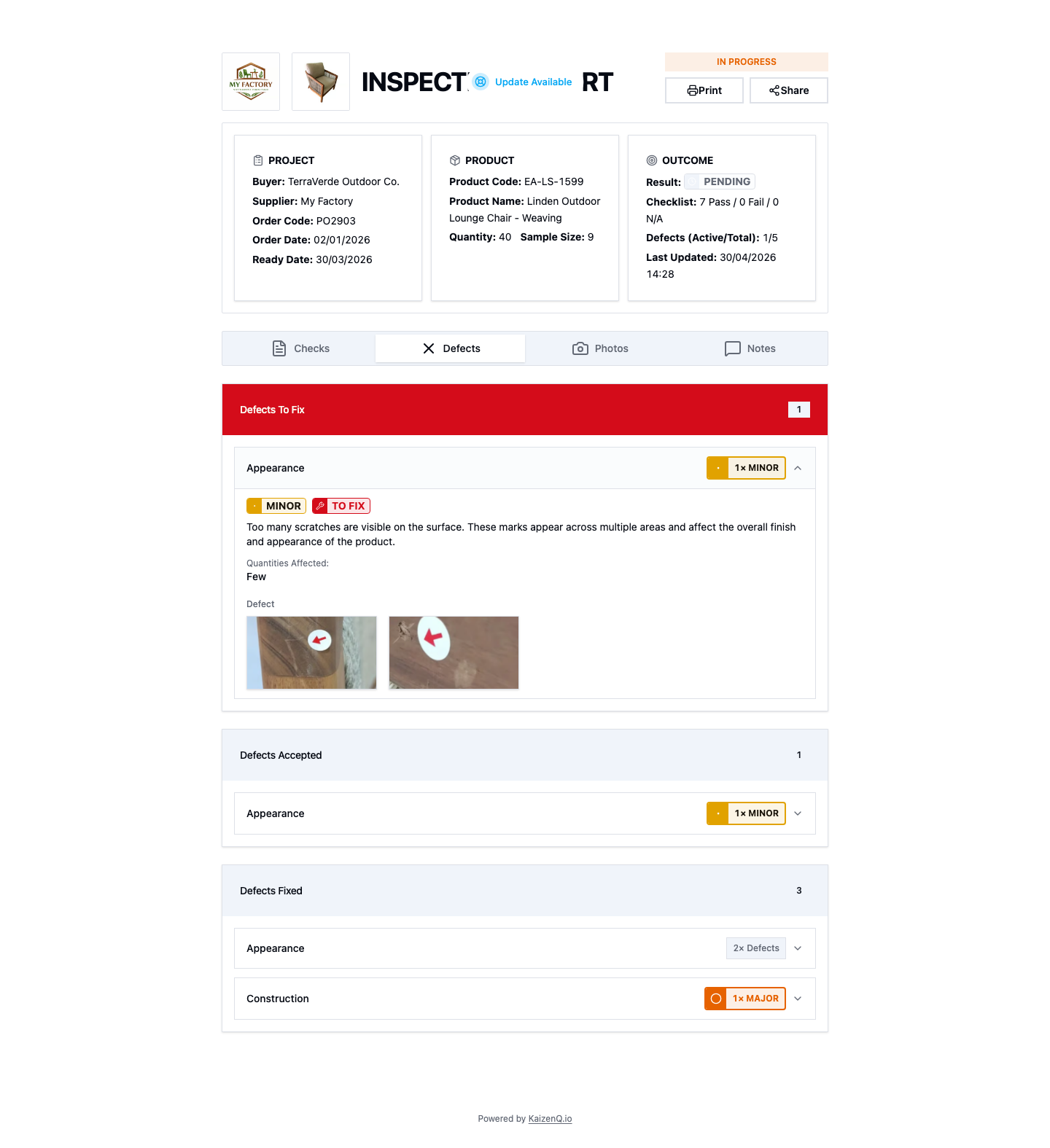
Record each finding with a category, severity, description, and photos. Track it as Open, Resolved, or Accepted. Add proof photos to show the repair, or an acceptance note when the buyer agrees to keep the item as it is.
- Filter findings by Open, Resolved, or Accepted
- Keep defect photos and acceptance notes with the record
Checklists
Run a checklist grouped by sections. Mark each item Pass, Fail, or N/A, add a note, and report a defect from the item when you find one. KaizenQ saves the checklist wording used for each inspection, even after a template changes.
- Sections show failed and unanswered items
- Past inspections keep their checklist snapshot
Photo and video evidence
Keep product, defect, packaging, label, and carton evidence in the inspection galleries. KaizenQ prepares images for upload and retries queued media when the connection is weak. Media appears in the report after it syncs.
- Organize photos and videos by gallery
- Upload retries after a dropped connection
Internal notes
Choose Internal for private team notes or Public for comments in the customer report. Shared reports can also show External notes. Keep working discussion separate from the record that buyers see.
- Internal notes stay in the inspection workspace
- Public notes can appear in the customer report
Shareable live and PDF reports
Create a tokenized link to a live report. Buyers can open it in a browser without an account while the inspection is in progress. Revoke a link or let it expire when access should end. Open the PDF in the browser to review, print, or download it.
- Share progress and final inspection evidence
- Keep internal notes out of shared reports
- View, print, or download the PDF
Keep work moving on a weak connection
If a connection drops, selected inspection, defect, checklist, and note changes wait in a sync queue. Photo and video uploads retry separately. Inspection completion still needs a connection so the server can confirm the final record.
- Queue selected inspection edits until service returns
- Retry media uploads after connection problems
- Submit the final inspection when the server is reachable
See the full workflow on your own orders
Bring a live order and see how defect status, checklist results, photos, and notes stay together in one report.