

Defect follow-up from finding to recorded resolution
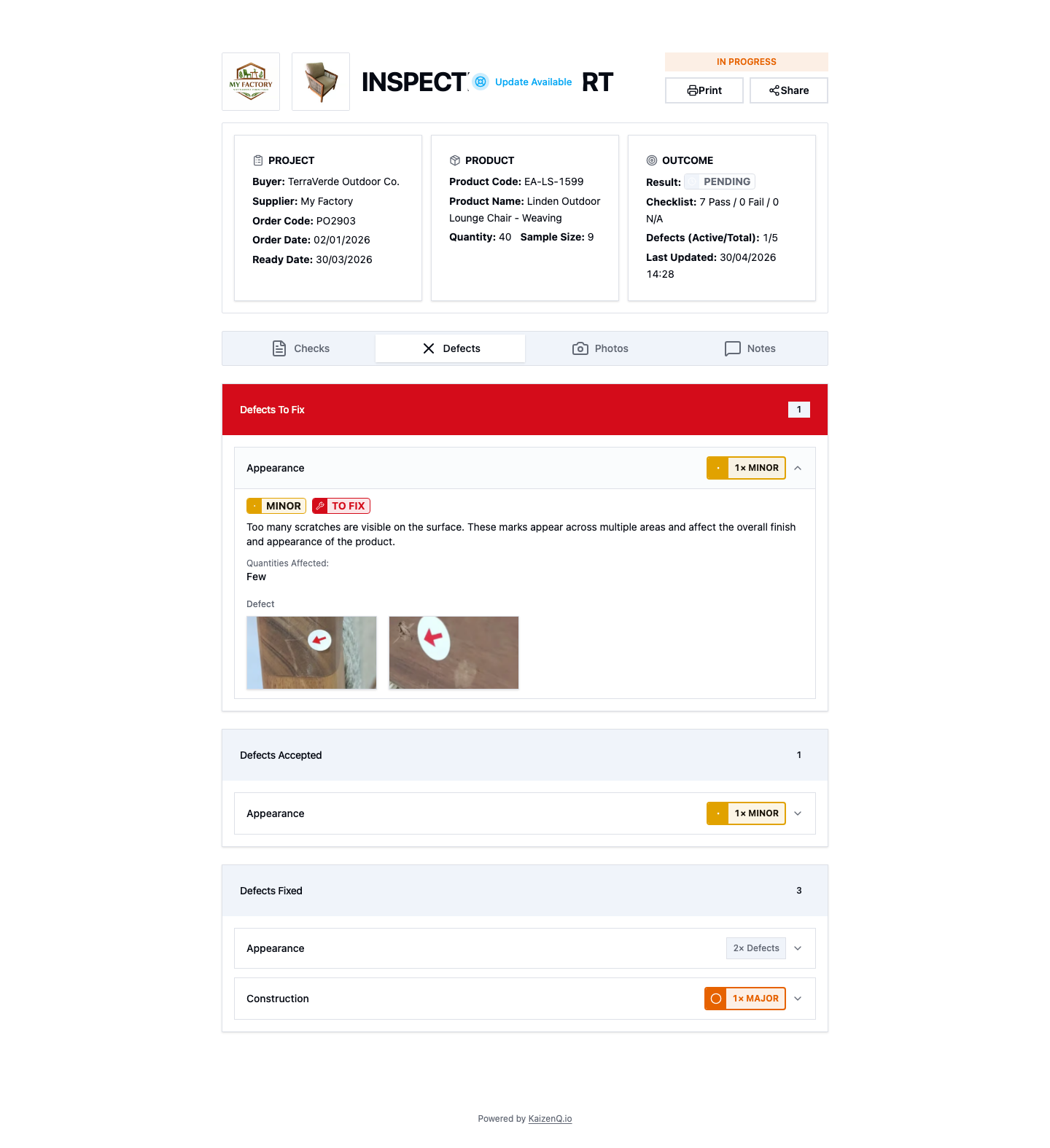
Defect follow-up keeps the original finding, its evidence, and the later resolution in the inspection record. KaizenQ tracks defects as Open, Resolved, or Accepted so teams can see what still needs review.
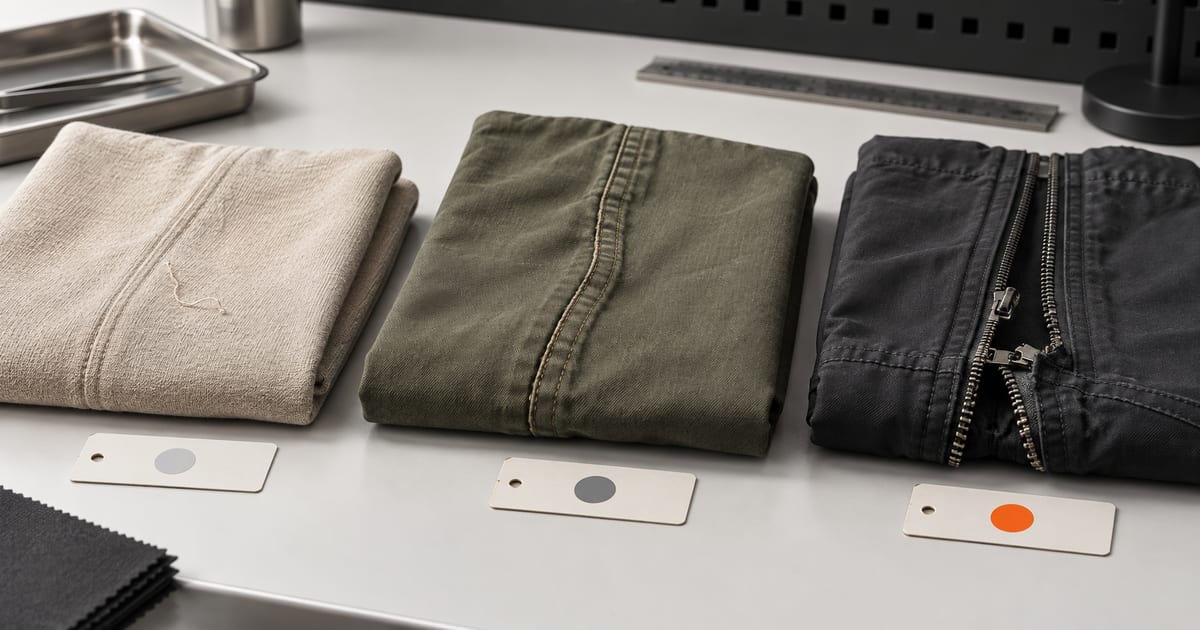
Record the original finding once
Capture the defect category, severity, description, location, and photos at inspection. Keep the original evidence available as the team discusses what to do next.
- Use a clear location and product reference
- Keep the photo tied to the defect
Update status with evidence
Mark a defect Resolved when the repair is recorded, or Accepted when the buyer agrees to accept it. Add a note and proof photo so reviewers can understand the status change.
- Keep open defects visible for review
- Record the reason for acceptance
Review repeated issues across inspections
Use defect categories to keep findings consistent. Users with report permissions can filter and group defects across inspections by supplier, product, severity, status, or date.
- Filter by category and status
- Filter or group recorded defects across inspections
Frequently asked questions
What defect statuses does KaizenQ support?
Defects can be Open, Resolved, or Accepted. Use a note and evidence to explain a repair or acceptance.
Can I replace the original defect photo after repair?
Keep the original photo as evidence of the finding and add a new photo to document the resolution.
Can I review repeated defects across inspections?
Yes. The Defect Report can filter and group recorded defects by supplier, product, severity, status, and date. Access requires a signed-in role with report permissions.
Bring your workflow and we will map it
Tell us how your team inspects today. A short walkthrough shows what the same work looks like in one shared record.